The Operations Behind Great Retail Merchandising: Orders, Inventory, And Automation
Published: September 17, 2026
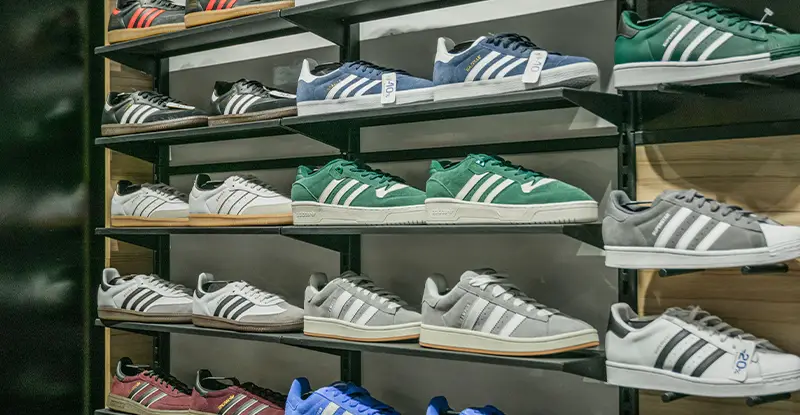
Retail displays do a lot more than hold products. They guide attention, shape mood, and quietly nudge people toward a purchase. But the most beautiful display in the world fails the moment a shopper reaches for a product that is not there. Behind every strong merchandising setup sits a chain of operational work: purchase orders, supplier paperwork, receiving documents, inventory counts, replenishment triggers, and invoices. When that chain runs smoothly, the shelf stays full, and the story stays intact. When it stalls, the display becomes a very tidy advertisement for something you cannot sell.
If you run a shop, manage a brand, or work in retail marketing, it helps to understand both halves of the equation: why some displays feel inviting while others get ignored like a treadmill in February, and why some stores can hold a display together for months while others run dry by week two. The good news is that neither side needs to be complicated. A few smart merchandising choices and a few automated back-office workflows can make your space easier to shop and far easier to keep stocked.
Restocking can slow down when supplier invoices require manual entry, PO matching, discrepancy resolution, and approval. InvoiceAction uses AI-powered invoice capture, validation, matching, and workflow automation to streamline AP processing.
Reduce invoice delays, strengthen supplier relationships, and keep the back office from becoming a bottleneck to retail operations.
When someone walks into a store, they start making tiny decisions right away. Where do I look first? What seems worth touching? What feels too messy to bother with? Your display answers those questions before a staff member says hello.
Store owners often underestimate how much the arrangement of products influences whether shoppers linger or leave. The way items are grouped, lit, and spaced sends signals long before anyone reads a price tag. Strong merchandising can help products look more appealing and make the whole space feel organized. That matters because people usually buy with their eyes before they buy with their wallet. If a display looks confusing, they move on.
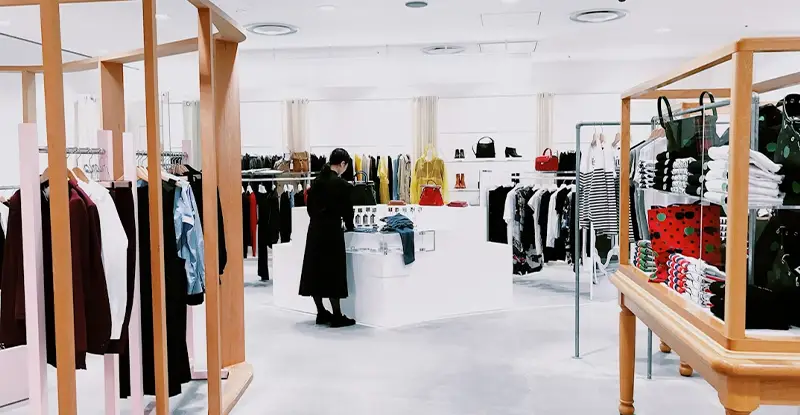
Think about a table near the entrance. If it has a clear theme, good lighting, and products arranged with some breathing room, it pulls people in. If it looks packed like a suitcase before vacation, shoppers may skip it. Good displays create direction. They help people feel comfortable, and comfortable shoppers tend to stick around longer.
Recommended reading: Discover How AI-Powered Inventory Tracking Keeps Retail Displays Stocked
A great display starts with a simple question: who are you trying to help buy something? If you do not know your shopper, even a pretty setup can miss the mark.
A display for busy parents should feel quick and easy to browse. A display for teens might lean into color, trends, and fun photo-worthy touches. A display for budget-minded shoppers should make value obvious fast. You are not decorating for yourself. You are setting up a space for real people with real habits.
Watch how customers move. Do they stop near the entrance or head straight to the back? Do they compare products carefully or grab and go? Small clues tell you a lot. A skincare display might need testers and simple benefit signs. A snack display near checkout might work better with bright packaging and easy-to-grab bundles.
One of the fastest ways to lose a sale is to make people work too hard. If shoppers have to squint, sort, or solve a little product puzzle, many will simply walk away.
Simple displays are easier to trust. That does not mean boring. It means clear. Use a small number of colors that fit your brand or campaign. Keep signs short enough to read in a few seconds. Group similar products together so people do not have to hunt like squirrels in autumn.
Spacing matters too. Products crammed shoulder to shoulder can feel cheap or chaotic. A little room around key items helps them stand out. If you want to highlight a hero product, give it center stage instead of hiding it in the crowd.

Errors in product codes, quantities, pricing, or delivery details can ripple through inventory, fulfillment, invoicing, and customer service. OrderAction automates PO data capture and validation before orders enter ERP workflows.
Improve order accuracy and protect downstream retail processes from avoidable rework and delays.
If customers like what they see but struggle to reach it, the display is doing half the job. And half a job rarely pays full price.
Place popular products where people can grab them without stretching, crouching, or performing a yoga pose beside aisle three. Eye level and hand level usually work best. If something needs to be picked up, tested, or compared, make that process feel natural.
Traffic flow matters just as much. Do people have room to pause without blocking others? Can they move around a table or fixture easily? Tight layouts can make shoppers feel rushed, especially in small stores.
Replenishment flow deserves the same attention. A display that takes twenty minutes to restock will get restocked late, and a display that requires a manager's approval for every top-up will sit empty through the busiest hour of the day.
Recommended reading: Learn How Purchase Order Automation Improves Inventory Replenishment
Most of the work that keeps a display alive never happens in the store. It happens in accounts payable, in purchasing, and in the inbox where supplier documents pile up.
Consider the typical sequence. A product sells well. Someone raises a purchase order. The supplier confirms it. Goods arrive with a delivery note. An invoice follows, usually by email, sometimes by post, occasionally in a format nobody expected. Someone has to match all three documents, spot the discrepancies, chase the differences, and approve payment. Multiply that by dozens of suppliers and hundreds of lines, and the delays start showing up on the shelf.
Manual processing is where most of that time goes. Rekeying invoice lines, hunting for a matching purchase order, forwarding approvals, and correcting typos all add days. Worse, payment delays strain supplier relationships, and strained suppliers rarely prioritize your urgent restock request.
Purchase orders, supplier paperwork, receiving documents, and invoices create significant administrative work behind every stocked shelf. docAlpha uses AI-powered intelligent document processing to capture, classify, extract, and validate business data automatically.
Reduce repetitive processing and keep accurate information moving across purchasing, inventory, finance, and fulfillment.
Even smart display ideas need a reality check. What seems perfect during setup may not connect once real shoppers show up with coffee in one hand and distractions in the other.
You do not need fancy tools to test a display. Start by watching what people do. Do they stop? Do they touch products? Do they read the sign? Do they walk right past as if it owes them money? Those small reactions tell you plenty.
You can also compare sales before and after a change. Move one product higher. Simplify a sign. Reduce clutter on a feature table. Then see what happens over a week or two. Small tests are easier to manage and less risky than changing everything at once.
Apply the same discipline to your operations. Track how long it takes to go from low stock to restocked, how many invoices need manual correction, how often a featured product goes out of stock mid-campaign, and how many hours your team spends on data entry each week. These numbers rarely appear in merchandising reviews, yet they explain most of the gap between a display that performs and one that disappoints.
 Inventory Tracking: AI-Powered Inventory Control
 AI-Powered Retail Order Processing for Faster Fulfillment
 Inventory Management: Harnessing the Power of Automated Workflows
 Smarter PO Workflow Automation for Purchasing Teams
 How IoT and AI Are Revolutionizing Inventory Tracking Systems
 Magento and NetSuite Integration for Retail Automation
