How to Prevent Missing Invoices and Orders in Business Email
Published: November 26, 2026
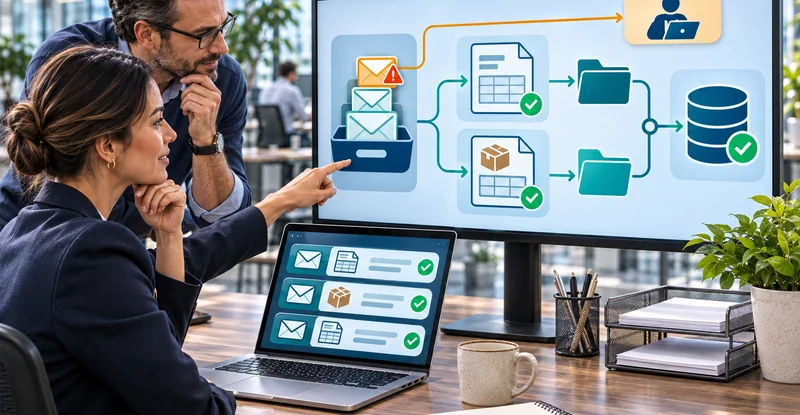
Most businesses do not think much about how supplier documents end up in the hands of their accounting department. Documents come through email, employees download the attachments, and eventually the data gets entered into the accounting system. This procedure seems quite normal, and there is rarely any reason to think otherwise.
That is, until a supplier sends a reminder about an invoice that nobody remembers receiving. This means that someone has to look for the missing document, talk to other employees, and try to figure out what happened.
The email may have been rejected by the mail server or caught in a spam filter, and it can be difficult to notice that something is wrong when dozens of documents arrive every week.
In case a vendor claims that they have sent an invoice, first verify if the email ever reached your mailbox. There are a few problems that could prevent email delivery:
In case the email was accepted by the mail server, review your mailbox rules and filters. The email may have been moved into another subfolder without notifying you.
The right business email hosting service can make it easier to manage incoming supplier documents. If your organization receives them regularly, then it would be good to understand what your email plan allows you to customize.
For instance, some providers allow you to add more mailbox capacity without getting a new plan, while others would require you to switch to a new plan.
You should also be able to manage your mailboxes as your needs change. Otherwise, even a small increase in the number of incoming documents could become a reason to contact your email provider.
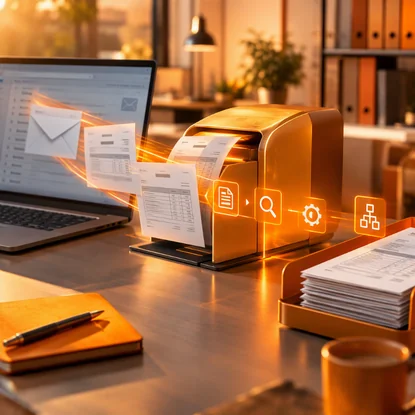
Even delivered invoices can sit unnoticed in a busy inbox. InvoiceAction captures incoming invoice documents, extracts key fields and routes them through configured AP workflows.
Reduce manual attachment handling and improve visibility into invoice processing.
Sometimes suppliers do not know which person should receive a document. They might send an invoice to an employee in the purchasing department, although it is the accounting team’s responsibility to process it. The employee needs to forward the email, and it might pass through several people before it reaches the appropriate department.
One option is to discuss with suppliers where to send different documents:
Also, you need to ensure that your supplier contacts are updated regularly and that new suppliers have accurate contact information from the beginning.
Recommended reading: Discover How to Automate Business Email Workflows
The process of downloading PDF attachments individually and entering numbers into accounting software is time-consuming. Some document processing programs can connect with your inbox to automatically download incoming documents.
However, there are several things to check before establishing automatic connections:
Still, someone needs to make sure that the processing system has accepted the document.
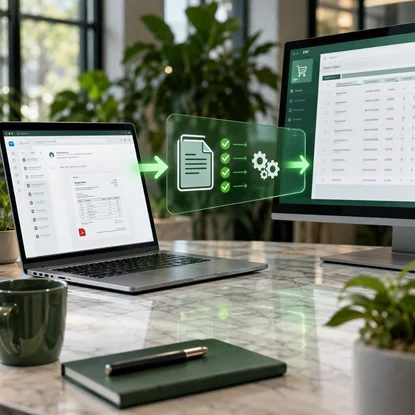
Customer purchase orders can be overlooked when employees manually download attachments and rekey details. OrderAction captures order data, validates configured fields and exports approved records to connected ERP systems.
Reduce avoidable order-entry delays and focus staff attention on exceptions.
Although automation can extract attachments from an inbox, it will not always let you know when your supplier has forgotten to send an invoice. If they forget to send it for a shipment, nothing will bounce and no import error will be shown.
In order to detect missing documents, you should compare the expected invoices with open purchase orders or billing dates on a weekly basis. If your supplier usually sends a statement on the fifth day of the month but no document arrives, contact your supplier.
Recommended reading: Learn How Automated Invoice Processing Combines Efficiency With Human Review
Receiving an email is just the first step in processing any supplier invoice or order. The document has to be delivered to the right person and it must be clear whether the document has been processed.
As your company works with more and more suppliers, you will probably see growth in the number of documents received. So it is important to look at the way the documents are being processed from time to time.
There is no need to change the whole process. Sometimes, it is enough just to find out where the documents get stuck and fix this problem.
 Top Ways to Automate Business Email Workflows and Boost Productivity
 What Professional Email Offers Beyond a Regular Account
 Purchase Order Processing with Workflow Automation
 Streamlining Purchase Order Processing with Intelligent Automation
 Invoice Matching
 How to Convert EML to PDF: Complete Guide for Email Management

