6 Tools for Turning Software Release Notes into a Customer-Friendly Video

Published: November 03, 2026
“Added configurable approval routing” may be an accurate release note. It still leaves a customer wondering what changed in their working day. Can a manager now delegate a review? Does the update affect existing requests? Where does someone go to use it?
A useful release video gives viewers a reason to care, shows the real interface, and makes the next action clear.
Consider a software team announcing a new approval feature. Its release notes contain the technical details, but its customer-facing video needs to explain one practical change: what happens when the usual reviewer is unavailable. That example runs through the six tools below. The tools cover different production tasks, not six competing versions of the same product, and a team does not need all of them.
Before opening a video tool, choose one customer question the update resolves. For the approval example, it might be: “How do I send a request to a different reviewer?” Build the explanation around the approved answer, including any permissions or setup requirements.
Separate the material into three parts: why the change matters, what the customer will see, and what they should do next. The first part may benefit from an illustrative scene. The second needs a recording of the actual software. The last needs plain language, not another animated sequence.
Keep the release notes and product documentation as the factual foundation. A video can simplify their presentation without expanding the feature’s capabilities. If delegation requires an administrator, for example, the script must not imply that every user can enable it.

Customers may hear about AI extraction and validation in release notes without seeing how those features fit their jobs. docAlpha applies AI-powered data capture, intelligent rules, and human exception review to incoming invoices, orders, and other business documents.
Connect AI capabilities with concrete gains in data quality and reduced manual processing.
Some updates solve a problem that is difficult to communicate with an interface alone. A request waiting on someone’s desk is easier to picture than “approval routing,” especially before the viewer knows which screen to look at.
For a short introduction, YouArt MiniMax H3 Max can generate video from a text prompt or a first frame, with an optional end frame. Its model page also lists native stereo audio. Those capabilities make it an option for creating a brief illustrative scene, rather than filming an office simply to establish context.
In the example, the creative brief could show a generic handoff between colleagues. Keep the scene visually simple and place any exact labels in the editor, where their wording can be checked. The scene should introduce the customer’s problem, not pretend to demonstrate the new feature.
YouArt’s video workflow belongs around the real demonstration, not in place of it. Generated screens, document fields, and status messages are not evidence of software behavior. If the opening requires a long explanation to connect it to the update, skip it and start with the recording.
Recommended reading: Learn How AI Automation Works in Modern Business Processes
An office scene is not always the right introduction. A more abstract visual might communicate a handoff without suggesting a specific workplace, customer, or industry. Buzzy’s Seedance page describes text-to-video and image-to-video generation, providing another route for exploring that material.
Use the same approved brief when comparing visual approaches. Decide whether a scene should communicate a stalled request or a successful handoff. Changing the style and message together makes it harder to judge which version explains the update more clearly.
Access terms matter when a team expects several rounds of revision. Teams considering Buzzy Seedance 2.5 unlimited should check the eligible plan, access period, and supported output settings before budgeting for repeated visual iterations.
Buzzy and YouArt are alternative sources for illustrative footage here; neither needs to become an extra production step by default. Choose a usable clip, review it for distracting artifacts, and move on. The customer still needs to see what the software actually does.
Once the introduction establishes the problem, a screen recording should supply the answer. Loom records the screen and camera and provides trimming and sharing tools, making it suitable for a focused product walkthrough.
Record in a prepared demonstration account with sample data. Show the starting state, the relevant action, and the resulting state. In the approval example, that means showing the request, the reassignment control, and the outcome the software genuinely supports. Do not describe an action as successful merely because a button was clicked.
The account’s permissions should match the intended audience. An administrator’s view can mislead ordinary users if they cannot access the same controls. Mention prerequisites before the action, rather than hiding them in a closing disclaimer.
Leave out unrelated navigation, desktop notifications, and confidential records. Keep enough context for customers to recognize the screen without turning a single-feature update into a tour of the entire application.

Release notes may announce better approval routing, but users still need to understand how the new process improves daily work. docAlpha combines AI-powered document capture, intelligent validation rules, and configurable workflow routing to help organizations process incoming business documents and direct exceptions to the right reviewers.
Turn technical workflow improvements into clear operational value that customers can recognize.
A correct demonstration can still be difficult to follow. Product specialists often narrate with internal project names or explain implementation details before stating what the customer needs to do.
Descript’s text-based editing lets a team work on recorded speech through its transcript. That makes the explanation easier to review as language, not only as footage. Replace unnecessary jargon, remove repeated setup, and check whether each sentence earns its place.
Accuracy must survive those edits. “Administrators can assign an alternate reviewer” is not interchangeable with “You can assign an alternate reviewer.” Likewise, deleting a qualification may make the narration smoother while making the promise wrong.
Check the resulting sequence against the recording. If narration explains a control before it appears, the viewer has to remember the instruction while searching for the button. Align each instruction with the relevant screen, preserve enough time to see the result, and verify captions against product terminology. Editing should reduce the effort of understanding without removing essential conditions.
With the explanation settled, the footage needs a consistent presentation. Adobe Express provides video assembly tools for trimming, adding text and audio, and resizing content for different destinations.
Use those controls to support orientation: identify the feature, label a prerequisite, or mark the next action. Keep explanatory text separate from generated footage so corrections do not require regenerating the underlying scene.
The main challenge is often legibility rather than branding. A desktop interface squeezed into a narrow mobile frame can become unreadable, even when the export dimensions are correct. A customer email or help article may be better served by a wider walkthrough. A short social version can introduce the change and direct viewers to the complete explanation instead of reproducing every click.
After assembly, watch the video at the size customers will actually see. Check control labels, caption placement, and whether background audio competes with the speaker. A consistent font and color palette help, but they cannot rescue an interface the viewer cannot read.
Recommended reading: Discover How Digital Asset Management Improves Content Control and Productivity
The final obstacle is often agreement. A product manager checks behavior, customer success checks likely questions, and a communications reviewer checks wording. Separate email threads can leave the editor working from incompatible instructions.
Frame.io provides a shared environment for reviewing creative files, gathering precise comments, and managing the work around them. Use it to keep feedback attached to the video being discussed, rather than scattered across screenshots and messages.
Assign distinct review responsibilities. The product owner confirms behavior and availability. Customer success checks whether a viewer could follow the explanation. The editor resolves timing, captions, and visual corrections. A comment such as “confusing” becomes actionable when it identifies the moment, the problem, and the required change.
Before approval, distinguish cosmetic requests from factual corrections. A wrong permission requirement should block release; a preference for a different transition may not. Keep a clear record of which version was approved, and check that the same version reaches the customer-facing channel.

Frequent software updates can leave teams uncertain about which document steps are automated and which still need review. docAlpha provides structured document classification, validation, workflow routing, and ERP integration so organizations can define how business information should move through their processes.
Support consistent operations while making the value of workflow improvements easier for teams to understand.
The dividing line is evidence. Generate atmosphere or a conceptual introduction when it improves understanding. Record actual controls, states, and results when a viewer needs to know how the software behaves. Add exact terminology, dates, and instructions as editable text.
This separation also makes updates easier to maintain. If a button moves, replace the affected recording rather than rebuilding the entire video. If availability changes, revise the script and on-screen wording together. Never allow an older clip to contradict the current release notes.
Recommended reading: Learn Best Practices for Combining Intelligent Automation with Human Oversight
Watch the finished piece once as a customer unfamiliar with the update. Can you explain what changed, who can use it, and the next step? Then compare it with the approved documentation, checking permissions, availability, terminology, and any claims about results.
Choose tools according to the missing task; a clear recording with careful editing may be enough. The deliverable is a customer who understands the update without needing another explanation.
 AI Automation: What It Is and How It Works in 2026
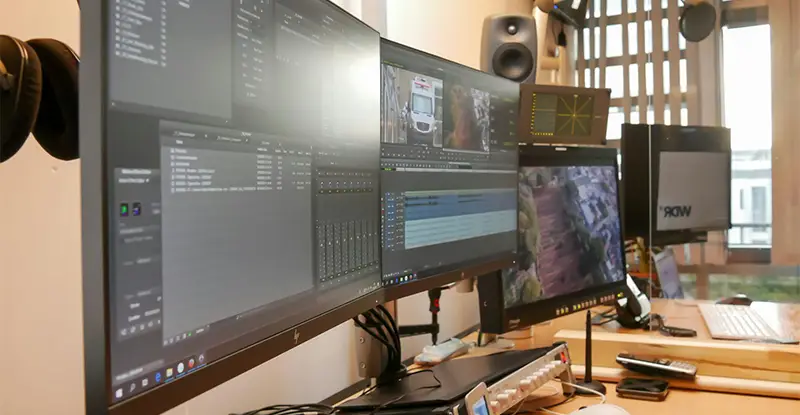 Top AI Video Creation Tools for Smarter Content
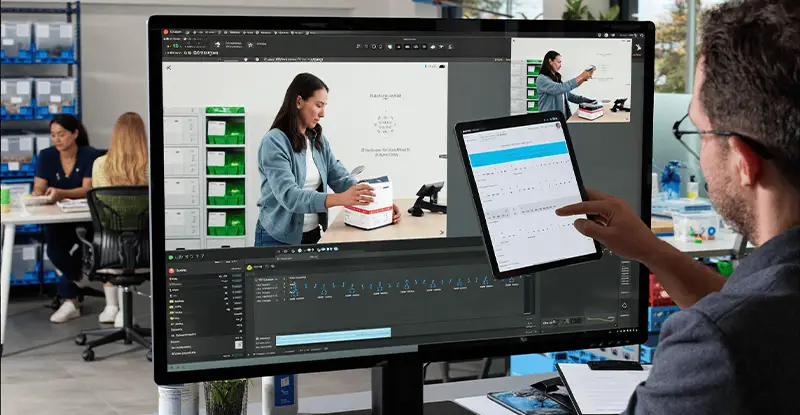 AI Video for Staff Training and Clearer Business Processes
 Animated Explainer Video for SaaS
 How Video Speeds Up Process Documentation and Team Adoption
 How Video Tools Streamline Modern Workflow Automation

