7 Best Tools for Creating AI-Generated Videos Without Showing Your Face
Last Updated: October 02, 2026
The creator economy has a new power move: video content that doesn't require you to be on camera. Whether you're building a faceless YouTube channel, creating content for TikTok, or producing marketing videos at scale, a growing wave of AI tools is making it possible to publish professional-quality video without ever hitting record on a webcam.
For creators who prefer to stay behind the scenes, partnering with an AI video production company can complement these tools by providing additional production expertise and support for more complex or higher-volume video projects.
For introverts, busy entrepreneurs, and creators who simply prefer to stay behind the scenes, this is a game-changer. The tools have matured rapidly over the past year, and the quality gap between AI-generated video and traditional production is closing fast.
Here's a look at the best options available right now, ranked by overall capability and ease of use.

docAlpha applies enterprise-grade AI to capture, classify, and validate business documents across cloud and ERP environments. Turn AI experimentation into measurable operational efficiency.
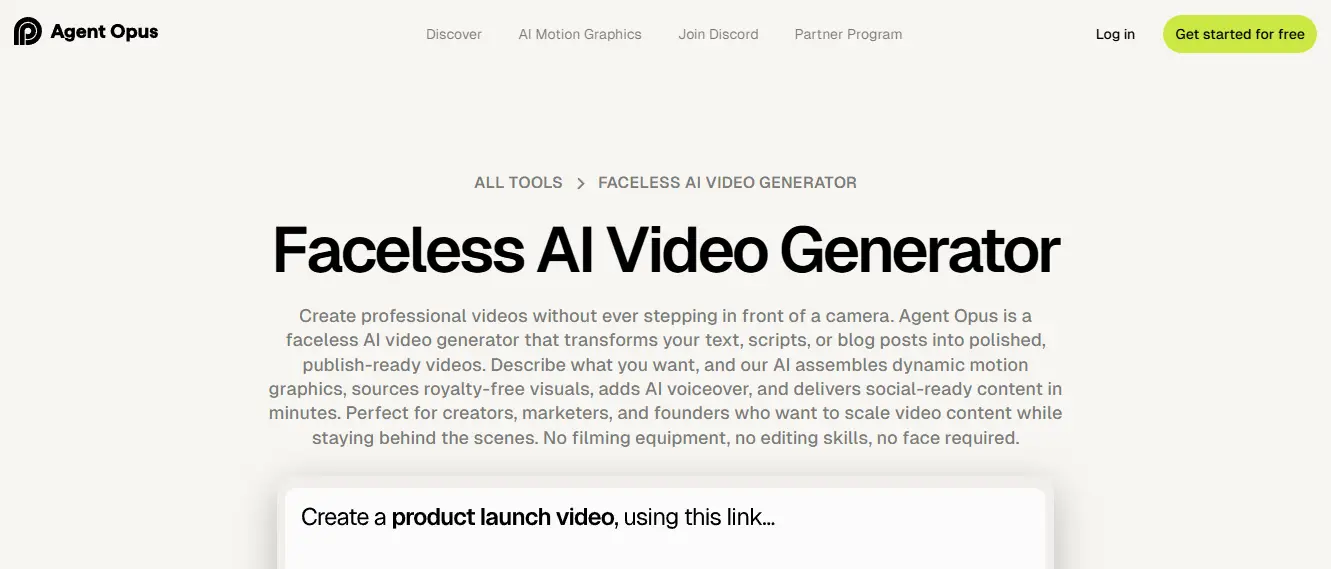
Opus has quickly established itself as the frontrunner in AI-powered video creation, and its workflow tools are a big reason why. What sets it apart is the combination of intelligent automation and genuine creative flexibility.
Their faceless AI video generator is particularly impressive. It handles everything from script creation to visual assembly to captioning, producing polished short-form videos that look like they were made by a professional editor. You can feed it a topic, a URL, or a long-form video, and it will generate engaging clips optimised for platforms like TikTok, YouTube Shorts, and Instagram Reels.
The AI doesn't just slap stock footage over a voiceover either. It makes intelligent decisions about pacing, visual hooks, and text overlays that actually keep viewers watching. For creators who want high output without sacrificing quality, Opus is hard to beat.
It also integrates a viral score feature that predicts how well a clip is likely to perform, which helps you prioritise what to post. If you're serious about building a faceless content channel, this is the tool to start with.
Recommended reading: AI Automation: What It Is and How It Works
Invideo is a powerful AI video generator that helps users turn ideas, text, or simple inputs into polished videos without needing advanced editing skills. It supports text-to-video and image-to-video generation, automatically adding transitions, pacing, and audio to produce professional content ready for platforms like YouTube, Instagram, and TikTok. invideo’s interface is browser-based and intuitive, letting creators customize their videos while the AI handles most of the heavy work. The platform also offers both free and paid plans - with premium options unlocking watermark-free exports, expanded media libraries, and higher-quality video generation.
Elevate AI From Tools to Intelligent Process Automation
docAlpha connects AI-driven data capture directly with ERP and business systems. Accelerate workflows while maintaining enterprise-level control and compliance.
Book a demo now
Freepik AI Suite's advantage over most tools on this list is its depth - it covers image, video, and audio creation in a single workspace. Its AI Video Generator supports text-to-video and image-to-video across a roster of models (Google Veo, Kling, Runway, MiniMax, and Seedance among them), giving creators real flexibility over visual style, motion, and clip duration without ever stepping in front of a camera.
Once you have footage, the built-in Clip Editor handles the rest: modify scenes with a prompt, extend duration, trim, upscale to 4K, and apply cinematic color grading. From there, you can add a voiceover in 30+ languages, generate a royalty-free music track by describing the mood you want, or drop in AI-generated sound effects - all without leaving the platform or opening a separate audio tool.
It's a more involved platform than single-purpose tools like PixVerse or Pictory, so there's a learning curve if you want to use the full feature set. But for creators who want to go from raw idea to finished clip without juggling multiple apps, it's one of the more complete options on this list.
Recommended reading: How AI Algorithms Transforming Intelligent Process Automation
Synthesia takes a slightly different approach by using AI-generated avatars as on-screen presenters. While this technically puts a "face" in your video, it's not your face, which keeps the faceless creator model intact.
The avatars are impressively realistic and come in dozens of languages, making Synthesia a popular choice for corporate training videos, product demos, and multilingual content. If your use case leans more professional than entertainment, this is worth a close look. It can also be paired with a video translator extension, making it easier to adapt training videos and other content across different languages.
The pricing is on the higher end compared to other tools on this list, which reflects its enterprise-level positioning. But the quality of the output justifies it for the right use case.
PixVerse AI Video Generator turns text prompts and images into short AI-generated videos with minimal setup. You can describe a scene, upload a reference image, choose a model or style, and generate different versions until you get the look you want.
The platform is especially useful for creating eye-catching visual content without a traditional production workflow. Its tools make it easy to experiment with motion, effects, camera movement, and different creative directions before settling on a final version.
It’s a good option for marketers, content creators, and social media teams that need to produce short-form video quickly. You can test different concepts and visual styles without spending hours filming or editing everything from scratch.
Apply AI Where Finance Needs It Most
InvoiceAction leverages AI-driven extraction and validation to eliminate manual invoice entry. Reduce errors and strengthen cash flow management.
Book a demo now
Magic Hour’s free AI video generator stands out as a versatile platform that enables creators to turn simple ideas into polished videos without needing advanced editing skills. It supports multiple creation workflows, including text-to-video, image-to-video, and AI-enhanced editing, giving users flexibility in how they bring their concepts to life.
Beyond generation, the platform streamlines the entire production process with automated scene creation, transitions, and visual enhancements. Users can quickly transform scripts, images, or prompts into engaging video content suitable for social media, marketing campaigns, or storytelling. The tool also integrates voiceovers and supports different creative formats, making it a well-rounded solution for modern content needs.
While it’s designed to be beginner-friendly, Magic Hour also offers enough depth for creators who want to experiment with different styles and outputs. For teams or individuals looking to produce high-quality videos quickly without juggling multiple tools, it provides a smooth, all-in-one experience from idea to final output.
Predis.ai approaches content creation a bit differently from tools that focus heavily on video production or avatar-based content. It’s more centered around helping you create social media posts quickly and consistently without turning the process into a full production task. In many cases, that’s the bigger challenge anyway, keeping content going regularly without spending hours on every post.
The platform brings captions, creatives, hashtags, scheduling, and the ability to generate videos with AI into one workflow, which makes day-to-day posting feel a lot less scattered. You’ll notice it fits especially well for people handling Instagram, LinkedIn, or Facebook content regularly and needing something faster than designing everything manually from scratch.
It also does a decent job with brand consistency. You can set your colors, fonts, and overall style so the content feels aligned instead of random every time you post. That said, the focus here is more on practical content workflows rather than advanced editing controls or production-heavy customization.
Compared to enterprise-focused content tools, the pricing feels more approachable, too. That’s probably why it works well for creators, marketers, agencies, and smaller teams trying to manage regular social media content without building an entire creative setup around it.
Recommended reading: How AI Technology Is Transforming Modern Business
With so many AI video generators on the market, including VEED, Pika AI, Invideo, Freepik, and others, choosing the right one comes down to your specific needs. Here are a few things to consider.
Before committing to any AI video software, it makes sense to experiment with some of the best AI video generator no sign up tools. A little testing upfront can save time and money while helping you find the right fit for your workflow.
Start by thinking about your primary platform and content format. Tools like Opus are optimised for short-form vertical video, while others like Pictory and Magichour.ai are better suited for horizontal YouTube or broader social media content. Choosing a tool that matches the platform you publish on most often will save you from fighting the format later.
Consider your volume. If you're planning to publish daily, automation and speed matter more than granular control. If you're posting weekly and want each piece to feel polished, a tool with more editing flexibility, such as VEED, might be the better fit.
If you also want to make your videos more accessible and engaging, consider using AI captioning tools to add accurate subtitles. Many platforms now offer a video caption API that can automatically generate and sync captions, helping you reach viewers who watch without sound while making your content easier to understand across different platforms.
And don't overlook voice quality. The narration can make or break a faceless video. Listen carefully to the AI voice options before committing, because a robotic-sounding voiceover will cost you viewers no matter how good the visuals are.
Scale AI Automation Across Your Organization
docAlpha supports high-volume document processing with cloud and hybrid deployment flexibility. Increase throughput without increasing infrastructure complexity.
Book a demo now
The numbers behind faceless content channels are hard to ignore. Some of the fastest-growing YouTube channels in categories like finance, tech, motivation, and storytelling operate without ever showing a face. The audience doesn't care who's behind the camera. They care about value, consistency, and production quality.
AI tools have lowered the barrier to entry dramatically. What used to require a video editor, a voiceover artist, and hours of production time can now be handled in minutes. That's not a gimmick. It's a genuine shift in how content gets made.
If you've been sitting on the sidelines because you didn't want to be on camera, that excuse is officially retired. The tools are here, and they're only getting better.
 Top AI Writing Tools and Technologies You Need to Know
 Essential AI Tools for Business Growth in 2025
 How AI Is Revolutionizing the Marketing Industry
 AI Technology: Artificial Intelligence Technology Explained
 AI Tools for Business Automation: Small Biz Edition
 The Rise of Machine Learning in Business
